
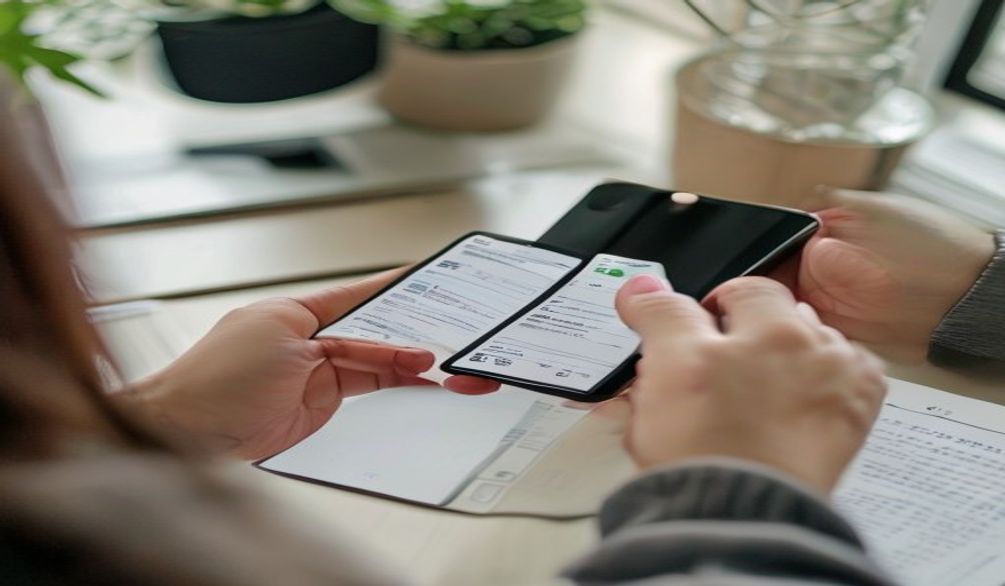
To top up your Khdemli wallet: open the Wallet page in your account, enter the amount, pay by bank transfer or cash deposit using the details shown on screen, then upload a photo of the receipt. The team checks the proof and credits your balance; you get a notification as soon as it is approved. The whole process takes a few minutes on your side, and the credited balance never expires.
First: how much do you actually need?
A top-up has nothing to do with a renovation budget. The wallet is used only for contact unlocks, which cost a few dirhams each. A small top-up therefore already covers several introductions — enough to compare two or three craftsmen for one job, then find others later. A minimum top-up amount applies; it is deliberately low and is displayed on the page when you make the request.
Step 1 — Create the top-up request
From your account area, open the Wallet page and start a top-up request. You enter the amount you want and the payment method you are going to use. The page then displays Khdemli's official payment details: the bank account for a transfer, or the beneficiary name for a cash deposit through a transfer service.
Only use the details shown in the app
Step 2 — Pay
- Bank transfer — from your banking app or in branch, to the account details shown. Keep the transfer confirmation.
- Cash deposit — through a transfer service, to the beneficiary name indicated. Keep the counter receipt.
In both cases, one rule matters above all: the amount paid must match the amount requested in the app. A mismatch forces manual handling and delays approval.
Step 3 — Upload the proof of payment
This is the step that triggers everything else. Photograph the receipt or screenshot the transfer confirmation, then upload the file into your top-up request. Before sending, check that four pieces of information are readable: the amount, the date, the beneficiary and the operation number. A blurred or cropped receipt is the single biggest cause of rejection, and therefore of delay.

Step 4 — Approval
Your request moves to pending status. A member of the team compares the proof against the payment received, then approves — your balance is credited and the operation appears in your wallet history — or rejects it, if the proof does not match. Either way you receive a notification. A rejection loses you nothing: correct the proof or contact support through the Contact page with your payment references.
How long it takes
Approval is manual, because that is what protects everyone against forged proofs. The delay therefore depends on when you send your receipt and on the volume of requests in the queue — a request sent in the middle of the day is handled faster than one sent overnight. Plan ahead if you have an emergency: it is far better to keep a small balance available at all times than to wait for approval on the day a pipe bursts.
Why approval is done by a person
People often ask why crediting is not instant. The reason is simple: as long as a top-up relies on a proof of payment, somebody has to actually look at that proof. Automatic approval would open the door to edited screenshots, receipts reused several times and proofs belonging to other people — and every user would end up paying for it. A brief human check on each request protects the platform and you alike. A sharp image and an exact amount are all it takes to make that check instant.
Common mistakes that break a top-up
- Paying an amount different from the one declared in the app.
- An unreadable, cropped or over-exposed photo of the receipt.
- Uploading a proof of payment that belongs to somebody else.
- Paying to details obtained outside the application.
- Simply forgetting to upload the proof — without it, no approval is possible.
Frequently asked questions
What is the minimum top-up amount?expand_more
Can I pay by card?expand_more
How long before my balance is credited?expand_more
My request was rejected — what now?expand_more
Does the credited balance expire?expand_more
Once your wallet is credited, the rest is simple: revisit how the wallet works if needed, then unlock the contact of your chosen professional on the Craftsmen page — an electrician in your neighbourhood, for instance.